
Data is the lifeblood of modern businesses. Every click, scroll, and interaction tells a story — and Google Analytics is the tool that helps you decode it. Whether you’re a startup preparing to scale or an established global business aiming to refine your marketing strategy, understanding user behavior has become non-negotiable.
Google Analytics is more than just a reporting tool — it is a decision-making engine. In a digital world where competition grows every second, companies that rely on data outpace those relying on guesswork. With the arrival of GA4, Google Analytics has transformed into a powerful cross-platform, predictive, AI-driven platform that helps businesses understand customer journeys better than ever.
This comprehensive guide is designed to help global businesses, service providers, B2B companies, and startups navigate Google Analytics with clarity and confidence. Whether you’re new to analytics or looking to upgrade your digital intelligence, this article will walk you through everything from setup to advanced optimization.
By the end of this guide, you’ll understand how Google Analytics works, why GA4 is a major game changer, and how to use it to grow your business — supported by examples, strategies, and best practices tailored for 2025 and beyond.
Google Analytics is a free web analytics platform created by Google to help businesses track and analyze website and app performance. It provides insights such as:
In simple terms:
👉 Google Analytics tells you what works, what doesn’t, and where you should focus next.
For global businesses and startups, the ability to analyze audience behavior at scale determines digital success. Google Analytics empowers you to:
GA4 (Google Analytics 4) replaces Universal Analytics and provides:
See who is on your website right now and what they’re doing.
Analyze demographics, interests, location, device usage, and behavior patterns.
Understand which channels drive the most traffic:
Track actions such as:
See revenue, transactions, top products, and ecommerce performance.
See which marketing channels actually drive conversions.
Google Analytics collects data using:
Code snippets placed on your website.
User interactions (clicks, form submissions, video plays).
User visits with multiple interactions.
Unique visitors over time.
Additional contextual information about events.
Advanced users can store raw data for deeper analysis.
Go to analytics.google.com and sign in.
Choose GA4 property type.
Recommended for event tracking.
Connect your website via GTM or direct script.
Examples:
Mark important events as conversions.
Shows how users find your website.
Useful for:
Measures user interactions.
Metrics include:
Critical for ecommerce brands.
Tracks:
Shows how long users keep returning.
Helps allocate budgets based on channel performance.
Startups can use GA4 to:
Analyze behavior flows and engagement.
SEO vs. PPC vs. social.
Early funnel milestones to track momentum.
Optimize onboarding and reduce drop-offs.
Use predictive metrics for forecasting.
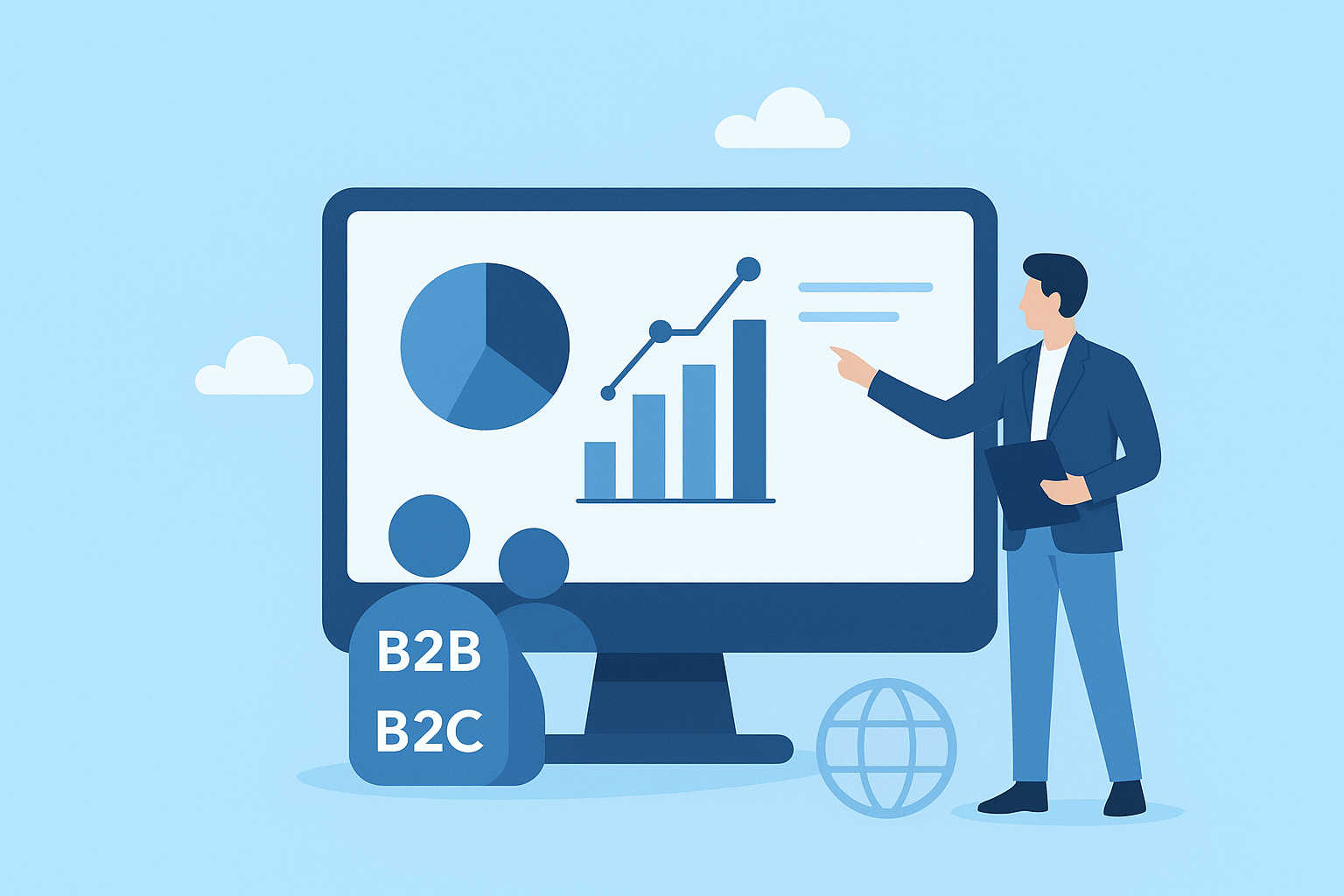
Both models benefit from:
Leads to missing key data.
Without conversions, ROI measurement is impossible.
GA4 requires custom exploration for full insights.
This causes misinformed marketing decisions.
Reduces data accuracy.
Segment users by:
For executives, marketing teams, and ecommerce teams.
Forecast revenue and purchase probability.
Identify drop-off points and fix them.
Ideal for enterprises and data-driven startups.
Better lead scoring and nurturing.
Situation: Low-quality leads and unclear user behavior.
Approach: GA4 event tracking for onboarding process.
Results:
Situation: High cart abandonment.
Approach: Monetization and checkout funnel analysis.
Results:
Q1: What is Google Analytics used for?
Google Analytics helps businesses track website performance, user behavior, and marketing ROI. It identifies what works and what needs improvement.
Q2: Is GA4 better than Universal Analytics?
Yes, GA4 is event-based, cross-platform, AI-driven, and designed for the future of privacy-first tracking.
Q3: Do I need Google Tag Manager?
It’s not required but highly recommended for flexible, scalable event tracking.
Q4: Can startups use Google Analytics?
Absolutely. Startups use GA4 for product validation, user insights, and customer journey tracking.
Q5: What does Google Analytics cost?
The standard version is free. BigQuery storage may incur additional costs.
Google Analytics is no longer just a tool for reporting — it’s a powerful engine for growth. Whether you’re a global enterprise or an early-stage startup, GA4 gives you the visibility, insights, and intelligence you need to make informed decisions.
By leveraging event tracking, funnel analysis, predictive metrics, and cross-platform insights, your business can optimize marketing efforts, boost conversions, improve customer journeys, and stay ahead in 2025’s competitive digital landscape.
If you’re ready to implement Google Analytics or want a professionally optimized GA4 setup:
👉 Contact us today and let Appledew help you unlock your digital intelligence.