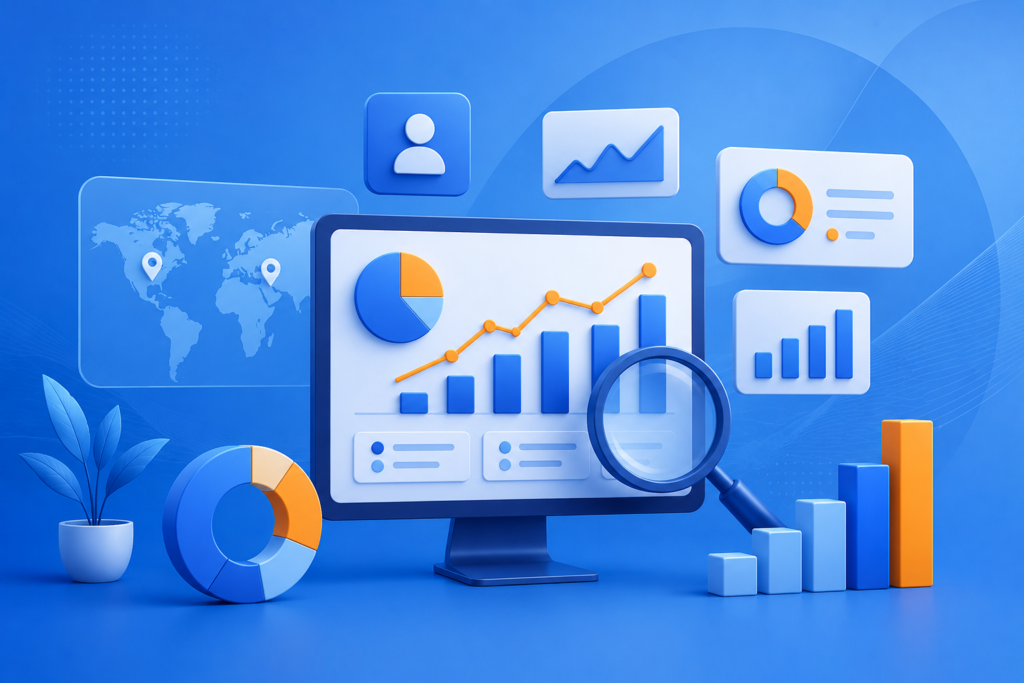
Learn how Google Analytics helps businesses track website performance, understand user behaviour, measure conversions, and make data-driven marketing decisions using advanced analytics insights.
In today’s digital world, businesses cannot rely on assumptions when making marketing and growth decisions. Every click, page visit, interaction, and customer journey provides valuable information that can help organisations improve performance. Google Analytics is one of the most powerful platforms available for collecting, analysing, and interpreting website and application data to understand how users interact with digital platforms.
Whether a business operates an online store, service-based website, blog, or mobile application, analytics data provides essential insights into customer behaviour. It helps businesses identify which marketing channels generate results, which pages perform well, where visitors leave, and what actions lead to conversions. By understanding this information, companies can improve user experiences, optimise campaigns, and make smarter strategic decisions.
For businesses looking to strengthen their online presence, Appledew helps organisations understand and implement effective digital solutions that support measurable growth. With proper analytics implementation, companies can move beyond guesswork and create strategies based on real customer data.
Google Analytics has evolved significantly over the years. The introduction of Google Analytics 4 (GA4) has transformed traditional website tracking by focusing more on customer journeys, events, predictive insights, and cross-platform measurement. Unlike older analytics systems that relied heavily on sessions and pageviews, GA4 provides a more complete understanding of how users interact with websites and applications across different devices.
The importance of analytics extends beyond simply viewing traffic numbers. High-quality analytics allows businesses to answer important questions:
By answering these questions, businesses can create effective marketing strategies, reduce wasted advertising costs, and improve overall performance.
According to Google’s official resources, organisations should focus on collecting meaningful data responsibly and using analytics insights to improve customer experiences. Following proper measurement practices ensures that businesses gain accurate information while respecting user privacy.
Google Analytics Official Documentation provides detailed guidance about setup, reporting, measurement, and best practices for using the platform effectively.
This complete guide explains everything businesses need to know about Google Analytics, including its features, benefits, implementation process, reporting methods, common mistakes, and advanced strategies for achieving better digital results.
Google Analytics is a web analytics platform that allows businesses and website owners to collect, measure, and analyse user behaviour data. It provides detailed information about how visitors discover a website, how they navigate through different pages, and what actions they take before leaving or completing a goal.
At its core, Google Analytics works by placing a tracking code on a website or connecting an application through measurement tools. This tracking system collects information about user interactions, such as page views, button clicks, purchases, form submissions, downloads, and other valuable activities. The collected data is then organised into reports that help businesses understand performance.
The importance of Google Analytics comes from its ability to transform raw data into actionable insights. Without analytics, businesses may spend money on marketing campaigns without knowing whether those efforts are successful. They may also make website improvements based on assumptions rather than actual user behaviour.
For example, an online business may notice that thousands of visitors reach a product page but very few complete purchases. Google Analytics can help identify possible reasons, such as slow loading pages, unclear product information, poor mobile experience, or complicated checkout processes. Businesses can then make improvements based on evidence.
Another important advantage of Google Analytics is marketing performance measurement. Businesses often use multiple channels, including search engines, social media, email marketing, paid advertising, and referral platforms. Analytics helps determine which channels provide valuable traffic and which ones require improvement.
For example, a company running paid advertising campaigns can use analytics data to understand:
This information allows businesses to allocate budgets more effectively.
Google Analytics is also essential for improving user experience. Understanding visitor behaviour helps identify popular content, navigation problems, and areas where users struggle. Businesses can use these insights to create websites that are easier to use and more aligned with customer expectations.
Modern digital marketing depends heavily on accurate measurement. Search engine optimisation, paid advertising, content marketing, and conversion optimisation all require reliable data. Without analytics, businesses cannot accurately evaluate whether their strategies are working.
Google Analytics also supports long-term decision-making. Instead of focusing only on short-term results, businesses can analyse trends over time. They can identify seasonal patterns, customer preferences, and growth opportunities.
For organisations competing in crowded digital markets, analytics provides a significant advantage. Companies that understand their audience can create better experiences, deliver more relevant content, and improve their return on investment.
Google Analytics has undergone major changes since its introduction. Understanding this evolution is important because it explains why modern businesses need to adapt to Google Analytics 4 (GA4).
Earlier versions of Google Analytics were mainly designed around website sessions, page views, and user visits. The previous system, known as Universal Analytics, organised information through sessions and users. While this approach was useful for many years, digital behaviour changed significantly as customers began interacting with brands across multiple platforms.
Today, users may discover a business through search engines, interact through mobile applications, visit websites on different devices, and complete purchases through various channels. Traditional measurement methods were not designed to fully understand these complex customer journeys.
Google Analytics 4 was introduced to address these challenges. GA4 uses an event-based measurement model, meaning every interaction is treated as an event. Instead of focusing mainly on sessions, GA4 focuses on understanding user actions.
Examples of events include:
This event-based approach provides businesses with more flexibility because they can measure interactions that are important to their specific goals.
One of the biggest advantages of GA4 is cross-platform tracking. Businesses can analyse website and application activity together, creating a more complete picture of customer behaviour. This is especially valuable for companies that provide mobile applications alongside websites.
GA4 also introduces improved predictive capabilities. Using machine learning technology, Google Analytics can identify potential trends and provide insights that help businesses make better decisions.
Some predictive insights include:
These features help businesses understand future opportunities and potential challenges.
Privacy has also become a major focus in modern analytics. As online privacy expectations increase, businesses need measurement solutions that balance valuable insights with responsible data practices. GA4 includes features designed to support changing privacy requirements while helping businesses continue measuring performance.
Google Analytics 4 Documentation explains the structure and capabilities of GA4 in detail.
The transition from Universal Analytics to GA4 represents more than a technical upgrade. It reflects a broader change in digital marketing. Businesses must now focus on understanding complete customer journeys rather than measuring isolated website visits.
Companies that successfully implement GA4 can gain deeper insights into customer behaviour, improve marketing effectiveness, and create better digital experiences.
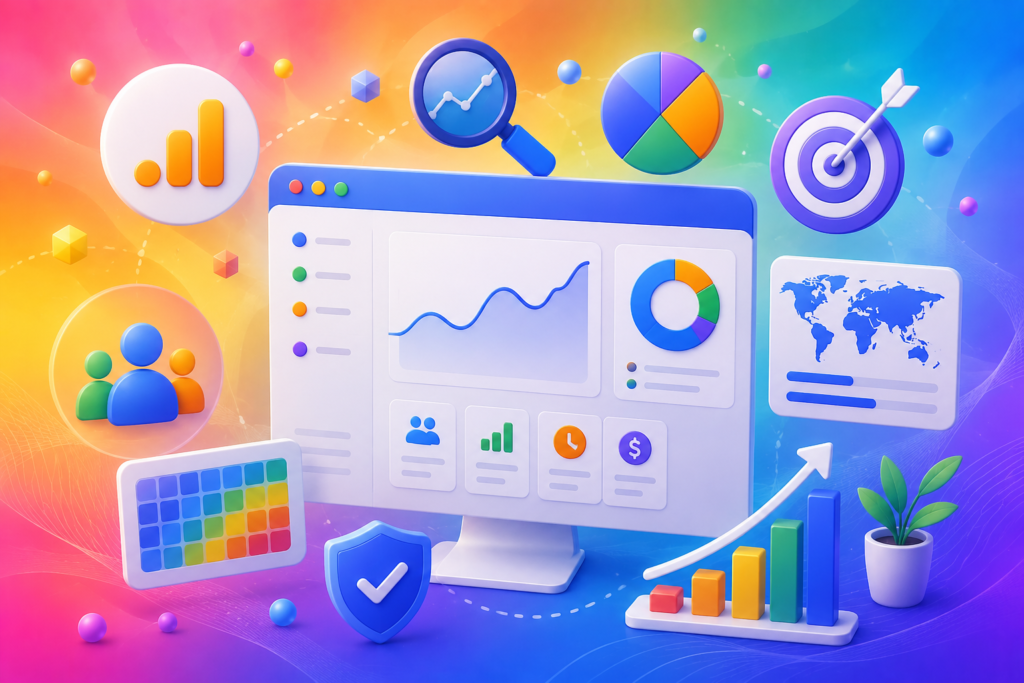
Google Analytics provides a wide range of features designed to help businesses measure performance and improve decision-making. Understanding these features allows organisations to use analytics more effectively instead of only checking basic traffic numbers.
One of the most important features is real-time reporting. Real-time reports allow businesses to monitor current website activity as it happens. This feature is useful during marketing campaigns, product launches, promotions, and important announcements.
For example, if a business launches a new advertising campaign, real-time reports can show whether users are arriving on the website, which pages they are viewing, and whether they are completing important actions.
Another essential feature is audience analysis. Google Analytics helps businesses understand who their visitors are by analysing different characteristics, including:
Understanding the audience helps businesses create more relevant content and improve targeting strategies.
The acquisition reports feature is another valuable component. These reports show where website visitors come from, including:
This information helps marketers evaluate the effectiveness of different promotional activities.
For SEO professionals, acquisition data is extremely valuable because it helps measure organic search performance. Businesses can identify which pages attract visitors from search engines and determine which content creates the most engagement.
Google Analytics also provides engagement reports that show how users interact with website content. These reports include information about:
This helps businesses understand whether their content successfully meets user needs.
Conversion tracking is another critical feature. Businesses can define important actions as conversions, such as purchases, registrations, enquiries, or downloads. Measuring conversions allows organisations to understand whether website traffic is producing meaningful business results.
For e-commerce businesses, Google Analytics provides specialised reporting features that help track:
These insights allow businesses to optimise product pages, improve checkout experiences, and increase sales.
Google Analytics also supports custom reporting and exploration tools. Advanced users can create detailed reports based on specific business objectives. This flexibility makes the platform suitable for small businesses as well as large organisations.
When properly implemented, Google Analytics becomes more than a reporting tool. It becomes a strategic platform that helps businesses understand customers, improve marketing performance, and achieve sustainable growth.
Google Analytics works through a combination of tracking technologies, data collection methods, and reporting systems that transform user interactions into valuable insights. Understanding this process helps businesses implement analytics correctly and collect accurate information.
The first step involves installing Google Analytics tracking on a website or application. This is typically done by adding a measurement tag or using tools such as Google Tag Manager. Once installed, the tracking system begins collecting information about user interactions.
When someone visits a website, Google Analytics can collect different types of information, including:
This data is sent securely to Google Analytics servers, where it is processed and organised into reports.
In GA4, interactions are measured through events. Each event represents a specific action performed by a user. For example, when someone views a page, downloads a document, or completes a purchase, Google Analytics records these actions as events.
Businesses can also create custom events based on their unique requirements. For example, a software company may track free trial registrations, while a service provider may track consultation requests.
Data accuracy depends heavily on correct implementation. Incorrect tracking setups can lead to incomplete or misleading reports. For example, if conversion tracking is not configured properly, businesses may underestimate campaign performance.
Google Analytics also uses identifiers to understand user interactions while maintaining privacy considerations. Businesses must ensure that their analytics implementation follows applicable privacy regulations and responsible data practices.
Google Analytics Privacy Controls provides guidance on privacy-related features and controls.
Another important aspect of analytics tracking is data interpretation. Collecting information is only the first step. Businesses must analyse the data, identify patterns, and make informed decisions.
For example, increased website traffic does not always mean business success. A website may receive thousands of visitors but generate few conversions. Analytics helps identify whether visitors are engaged and whether they complete valuable actions.
Proper analytics implementation requires a clear measurement strategy. Businesses should define their objectives before creating tracking systems. Without clear goals, analytics reports may contain large amounts of data without providing meaningful insights.
A successful Google Analytics setup combines technical accuracy, strategic planning, and continuous optimisation. When businesses understand how data collection works, they can use analytics more effectively to improve performance.
Implementing Google Analytics 4 correctly is the foundation of collecting accurate and useful website data. A poorly configured analytics system can result in incorrect reports, missing conversions, and unreliable business decisions. Therefore, businesses should approach analytics setup strategically rather than simply adding tracking code and assuming everything will work automatically.
The first step is creating a Google Analytics account and setting up a GA4 property. A property represents the website or application that a business wants to measure. During setup, businesses should provide accurate information about their organisation, industry category, reporting time zone, and business objectives. These settings help Google Analytics organise data correctly.
After creating the property, businesses need to create a data stream. A data stream connects Google Analytics with a website, Android application, or iOS application. For websites, businesses add a web data stream by entering their website URL and configuring measurement settings.
GA4 provides enhanced measurement features that automatically track several common interactions, including:
These automatic measurements reduce the need for manual tracking and help businesses collect useful data immediately.
The next important step is installing the Google Analytics tracking tag. Businesses can add the tag directly to their website code or use a tag management platform. Google Tag Manager is commonly used because it allows marketers and developers to manage tracking codes without repeatedly changing website files.
Google Tag Manager Official Documentation provides guidance for managing website and marketing tags effectively.
After installation, businesses should verify that tracking is working correctly. Real-time reports can confirm whether website activity is being recorded. Testing different user actions, such as form submissions and purchases, ensures that important events are being captured.
Conversion tracking should also be configured during setup. Conversions represent valuable business actions, such as:
Defining conversions helps businesses understand whether website visitors are contributing to business objectives.
Another important setup consideration is linking Google Analytics with other platforms. Businesses can connect GA4 with tools such as Google Ads and Search Console to gain deeper insights.
Google Search Console Help Center helps website owners understand search performance and website visibility.
A complete GA4 setup requires testing, monitoring, and ongoing improvement. Businesses should regularly review their measurement strategy to ensure analytics continues supporting changing goals.
Google Analytics reports provide valuable information about website performance, user behaviour, and marketing effectiveness. However, many businesses struggle because they focus only on basic traffic numbers instead of analysing meaningful metrics.
GA4 organises data through several important reporting categories. Each report provides different insights that help businesses understand their digital performance.
The Reports Snapshot provides an overview of important website information. It allows users to quickly review key performance indicators, including users, engagement, conversions, and revenue.
The Acquisition Report explains how visitors discover a website. It helps businesses identify whether traffic comes from:
Understanding acquisition sources helps marketers determine which channels provide the strongest results.
The Engagement Report focuses on user interactions. Important engagement metrics include:
Engaged Sessions:
This shows sessions where users actively interacted with a website.
Average Engagement Time:
This measures how long visitors actively use a website.
Events:
These track specific user actions.
Pages and Screens:
These identify the most viewed content.
These metrics provide deeper insights than simple visitor numbers. A website with fewer visitors but higher engagement may perform better than a website with high traffic but poor interaction.
The Monetisation Report is especially valuable for online businesses. It provides information about purchasing behaviour, product performance, and revenue generation.
Businesses can analyse:
Another important feature is the Explore section, which allows advanced users to create custom analysis. Exploration reports can help businesses examine customer journeys, compare audiences, and discover hidden patterns.
Some important GA4 metrics businesses should monitor include:
Choosing the right metrics depends on business objectives. A content website may focus on engagement and readership, while an online store may prioritise revenue and purchases.
Successful analytics is not about collecting every possible data point. It is about identifying the information that supports better decisions.
Google Analytics plays an important role in search engine optimisation because it helps businesses understand how organic visitors interact with their websites. While Google Search Console provides direct search performance information, Google Analytics helps analyse what happens after visitors arrive.
SEO success is not only about increasing rankings. A high-performing SEO strategy should attract the right audience and encourage meaningful actions. Google Analytics helps businesses evaluate whether organic traffic is creating value.
One of the most important SEO analytics areas is organic traffic analysis. Businesses can monitor how many visitors arrive through search engines and identify whether organic visibility is improving over time.
By analysing organic traffic patterns, businesses can discover:
Landing page analysis is especially useful for SEO. A page may rank well but fail to satisfy users. Analytics can reveal problems through engagement metrics and conversion data.
For example, if a page receives significant organic traffic but has low engagement, possible issues may include:
Businesses can use these insights to improve content quality.
Google Analytics also supports content marketing decisions. By identifying top-performing pages, businesses can understand which topics interest their audience most.
SEO professionals can use analytics data to:
Another important SEO benefit is understanding user behaviour across devices. Mobile performance is especially important because many users browse websites through smartphones.
Businesses should monitor whether mobile visitors experience lower engagement or conversion rates. If mobile performance is poor, improvements may be required in design, speed, or usability.
Google Page Experience Documentation explains how website experience factors influence user satisfaction.
When combined with effective SEO strategies, Google Analytics provides valuable insights that help businesses create better websites and improve organic performance.
Digital marketing campaigns require accurate measurement to determine whether investments are producing positive results. Google Analytics helps businesses understand campaign performance across multiple channels and identify opportunities for improvement.
Marketing teams often manage campaigns across different platforms, including search advertising, social media, email marketing, and content promotion. Without analytics, it becomes difficult to understand which activities generate meaningful outcomes.
Google Analytics helps measure campaign effectiveness by tracking:
Campaign tracking is an essential part of accurate measurement. Businesses can use campaign parameters to identify where visitors come from and how they interact with websites.
For example, a company running an email campaign can measure:
This information helps determine whether the campaign achieved its objectives.
Google Analytics is also valuable for paid advertising optimisation. When connected with advertising platforms, businesses can analyse campaign performance and understand which ads generate the best results.
Important advertising metrics include:
Analytics helps businesses avoid wasting budgets on campaigns that produce traffic but no meaningful results.
Another advantage is audience analysis. Businesses can compare different audience groups and understand which customers are most valuable.
For example, analytics may reveal that visitors from one marketing channel spend more time on the website and complete more purchases. Businesses can then focus resources on similar audiences.
Effective marketing requires continuous testing and improvement. Google Analytics provides the data needed to evaluate campaigns, identify weaknesses, and improve future strategies.
Conversion tracking is one of the most important parts of Google Analytics because it connects website activity with real business outcomes. Traffic numbers alone do not determine success. Businesses need to understand whether visitors complete actions that support growth.
A conversion occurs when a user completes a valuable action. The definition of a conversion depends on business objectives.
Examples include:
GA4 allows businesses to mark important events as conversions. Once configured, these conversions appear in reports and help measure performance.
Accurate conversion tracking requires proper planning. Businesses should identify their most important goals before creating events.
For example:
An e-commerce website may prioritise purchases.
A consulting company may prioritise enquiry forms.
A software company may prioritise free trial registrations.
Tracking the correct actions ensures that analytics data supports business goals.
Businesses should also analyse conversion paths. Customers rarely complete actions immediately after their first visit. They may interact with multiple pages and marketing channels before converting.
Understanding customer journeys helps businesses improve:
Conversion rate optimisation depends heavily on analytics insights. By identifying where users leave the conversion process, businesses can make improvements.
For example, if many users abandon a checkout page, possible solutions include:
Google Analytics provides the evidence businesses need to make these improvements effectively.
Many businesses install Google Analytics but fail to use it correctly. These mistakes can reduce data accuracy and prevent organisations from gaining valuable insights.
One common mistake is installing tracking without defining goals. Collecting large amounts of data without knowing what to measure creates confusion.
Businesses should establish clear objectives before implementing analytics.
Another mistake is ignoring conversion tracking. Some businesses only monitor visitors and page views but fail to measure important actions.
Without conversion data, businesses cannot understand whether traffic creates business value.
Incorrect event setup is another frequent issue. Poorly configured events can create inaccurate reports and misleading conclusions.
Businesses should regularly test tracking systems to ensure information is correct.
Another mistake is focusing only on short-term metrics. High traffic numbers may appear impressive, but they do not always indicate success.
Businesses should focus on meaningful metrics connected to business goals.
Ignoring privacy requirements is also a serious mistake. Organisations should implement analytics responsibly and follow applicable regulations.
Finally, many businesses collect data but fail to act on insights. Analytics becomes valuable only when information leads to improvements.
To maximise the value of Google Analytics, businesses should follow proven best practices.
First, create a clear measurement strategy. Define business goals and identify the metrics that matter most.
Second, ensure accurate implementation. Test tracking, events, and conversions regularly.
Third, focus on meaningful insights rather than unnecessary data. Good analytics is about understanding behaviour, not collecting numbers.
Fourth, connect analytics with other marketing platforms to create a complete performance picture.
Fifth, review reports regularly and use insights to improve websites, campaigns, and customer experiences.
Businesses should also maintain data quality by removing unnecessary tracking issues and updating configurations when goals change.
Analytics success requires continuous improvement. The best-performing organisations treat data as an ongoing resource for decision-making.
Google Analytics is used to measure website and application performance. It helps businesses understand visitors, track marketing campaigns, analyse user behaviour, and measure conversions.
Yes, Google Analytics provides a free version that is suitable for most businesses. Larger organisations may use advanced enterprise solutions with additional features.
Universal Analytics focused mainly on sessions and page views, while GA4 uses an event-based model designed to understand complete customer journeys across websites and applications.
Real-time reports appear immediately, while standard reports may require processing time depending on the type of data being analysed.
Google Analytics helps improve SEO by showing how organic visitors behave, which pages perform well, and where website improvements may be needed.
Basic features are easy to understand, but advanced reporting requires practice and knowledge of measurement strategies.
Google Analytics is designed to collect behavioural data while supporting privacy controls. Businesses must configure tracking responsibly and follow relevant regulations.
Google Analytics has become an essential platform for businesses that want to understand customers, improve performance, and make informed decisions. In a competitive digital environment, relying on assumptions is no longer enough. Data-driven strategies provide businesses with the clarity needed to achieve sustainable growth.
From tracking website interactions and measuring marketing campaigns to improving SEO performance and increasing conversions, Google Analytics provides valuable insights at every stage of the customer journey.
By implementing proper tracking, focusing on meaningful metrics, and continuously improving based on analytics insights, businesses can create stronger digital experiences.
With the right approach, Appledew helps businesses use digital solutions effectively and build strategies focused on measurable success.
You are an expert consultant. Based on the blog post titled “(Google Analytics)”, provide a step-by-step, practical implementation guide. Include tools, best practices, common mistakes to avoid, and advanced tips. Assume the reader wants to implement everything discussed in this article effectively.
Want our help implementing this? Just reach out to us via our website contact form: (https://appledew.com/contact-us/)